Clipping started with streamers and music, but the model works anywhere there’s footage worth watching. Mobile games and apps are a natural fit. Gameplay, satisfying moments, before and after results and feature reveals are exactly what performs in short form.
Here’s how a clipping campaign works for a game or an app, what we need from you, and what to expect.
Two formats: content clipping and logo clipping
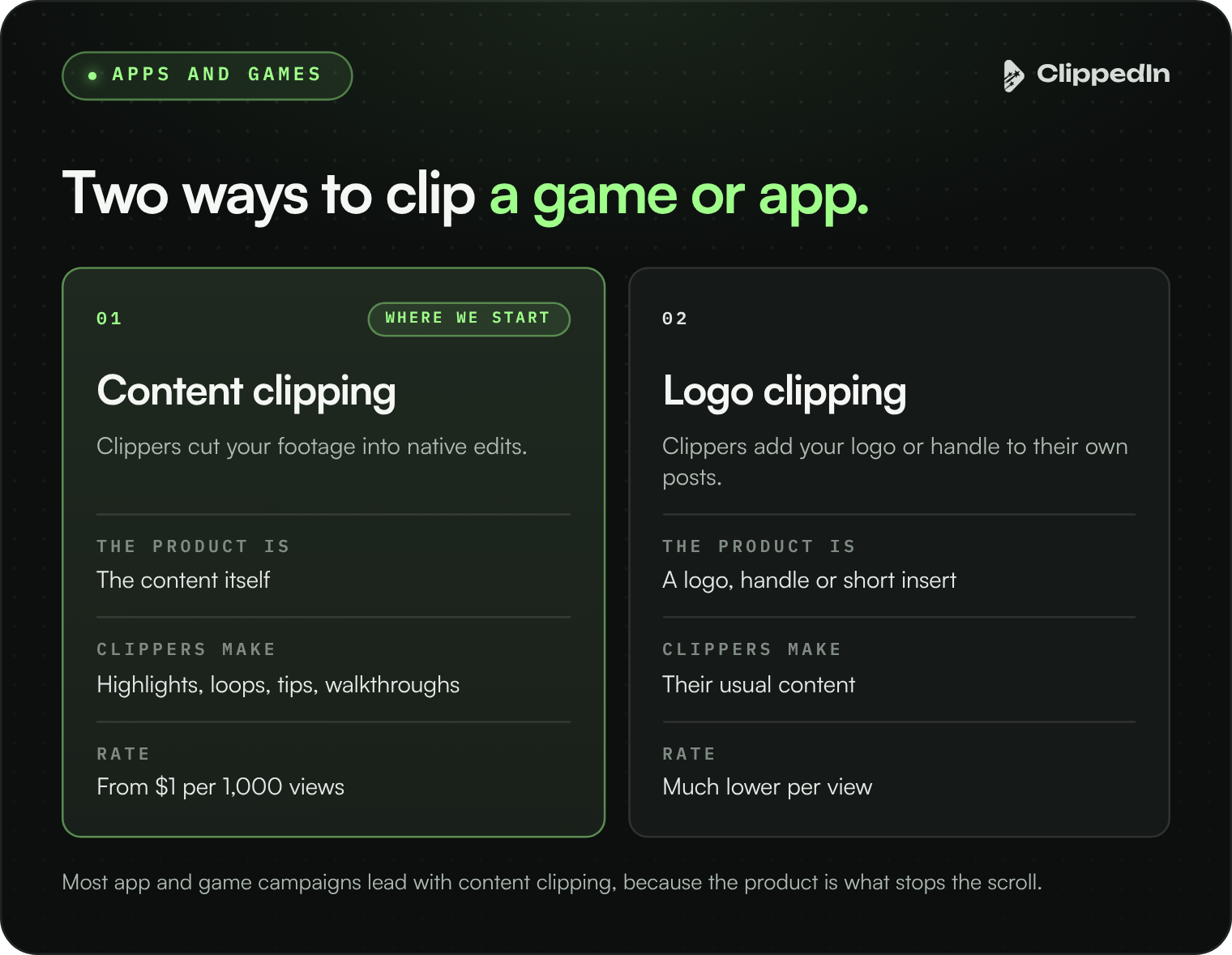
Content clipping. Clippers cut your footage into native edits: gameplay highlights, the most satisfying moments, reactions, tips, feature walkthroughs. The product is the content. Clippers are paid from about $1 per 1,000 views.
Logo clipping. Clippers keep posting their usual content and add your logo, handle or a short piece of your footage to it. It costs much less per view and works for high volume awareness, though it’s harder to get a logo onto the clips that perform best.
Most app and game campaigns lead with content clipping, because the product itself is what stops the scroll.
What clippers need from you
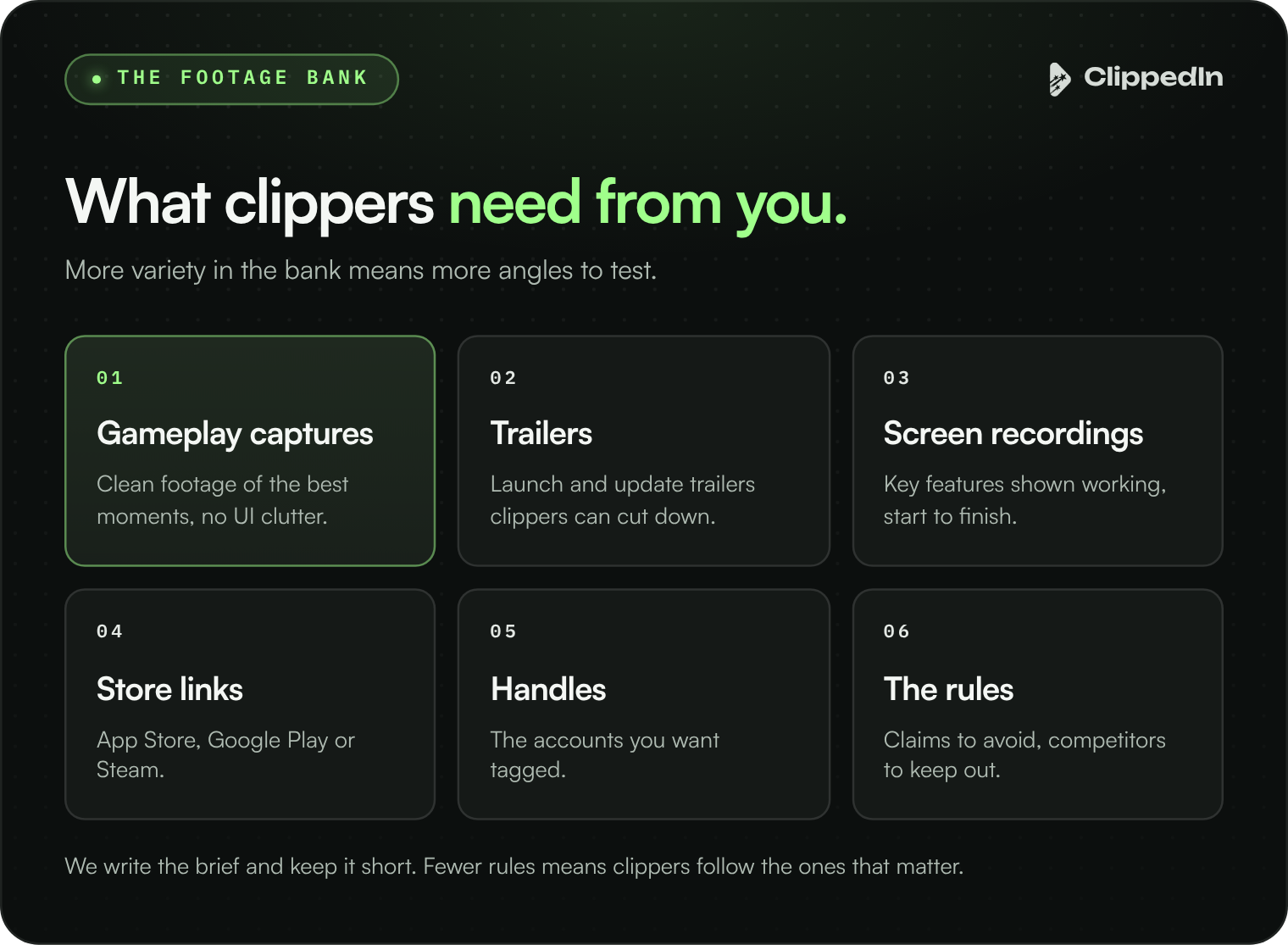
- A footage bank. Gameplay captures, trailers, screen recordings of key features, and any community clips you own the rights to. The more variety, the more angles clippers can test.
- Links. App Store, Google Play or Steam links, and the handles you want tagged.
- The rules. Anything clippers must avoid, like claims you can’t make or competitors you don’t want shown.
We write the brief and keep it short. The more rules a guidelines doc has, the more likely clippers skim past the ones that matter.
Formats that work
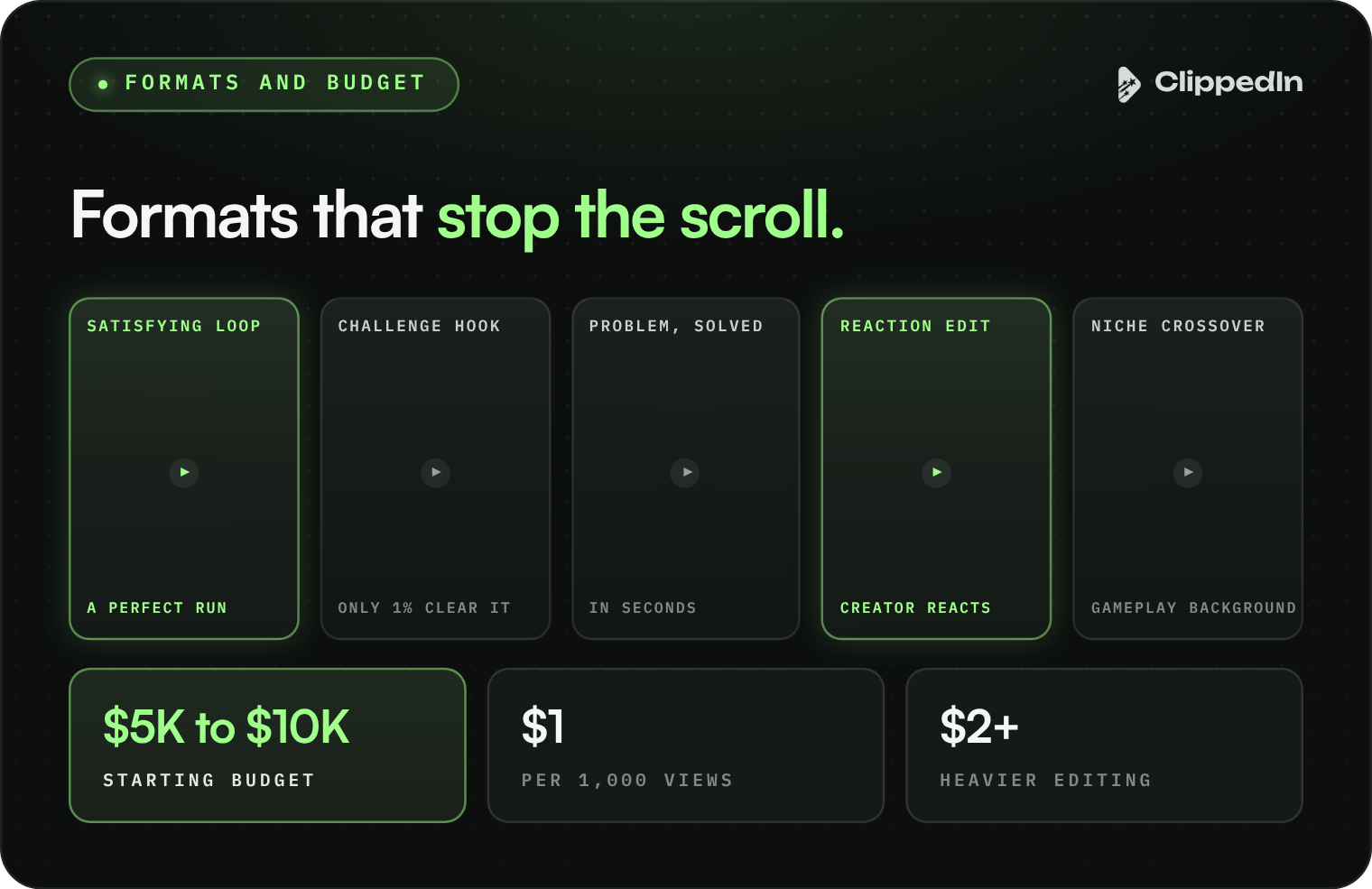
- Satisfying loops: a puzzle clearing, a combo landing, a perfect run.
- Challenge hooks: “only 1% clear this level” framing that pulls people into the comments.
- Problem and solution: a pain point, then the app solving it in seconds.
- Reaction edits: a creator reacting to a moment in your game.
- Niche crossover: your gameplay as the background to content a community already watches.
Budgets
For apps and games, we recommend starting at $5,000 to $10,000. These campaigns run more formats across more communities than a single song does, and they need enough clippers to find the angle that takes off.
When a brief needs heavier editing, like combining several assets into one edit, we raise the rate to $2 per 1,000 or more so the campaign attracts stronger editors.
All of the budget goes to clippers, with our 30% management fee on top. The full breakdown is in What Does a Clipping Campaign Cost?
What to measure
Clipping is a reach channel. It puts your product in front of millions of people in communities that already like this kind of content. Here’s how to read the impact:
- Verified views and engagement on approved clips.
- Comments asking what the game or app is. A strong sign the content is landing.
- Installs and searches around peak days, compared with your baseline.
- Which formats won, so your paid and organic teams know what to make next.
One thing to know upfront: we don’t promise every clip carries a link, a promo code or an on screen call to action. Clippers post natively, and native is why it works. If you need a tracked link on every post, pair clipping with paid ads.
How it runs
Most campaigns go live about three days after the brief is set. A budget can pay out in three days or last a month, depending on how fast clips take off, and every clip stays live after the budget is spent.
Launching a game or an app? Tell us what you’re launching and your budget, and on a call we’ll walk you through the formats we’d run.